


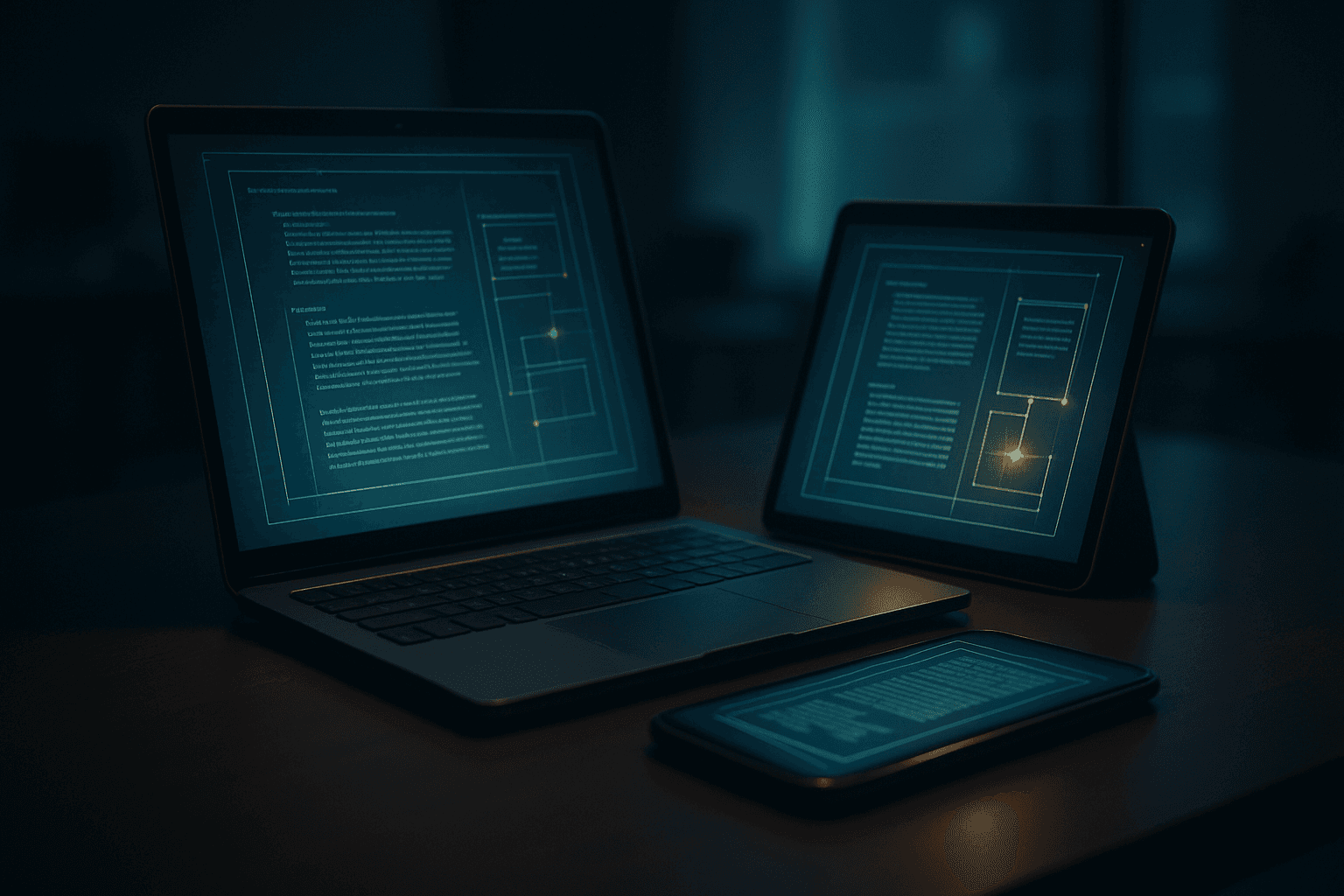
Multi-device synchronization is like a well-orchestrated symphony, where each instrument plays its part in harmony. When you change a file on one device, that change is reflected across all connected devices through a series of carefully designed processes. At its core, synchronization involves a server that acts as the central hub, maintaining the canonical version of your data. This means that any edits or additions made on your phone, tablet, or laptop are communicated back to the server, which then pushes those updates to other devices. The result? A consistent experience across platforms, whether you’re drafting an email on your phone or finalizing a report on your laptop.
The System
At the heart of multi-device sync lies a combination of client-server architecture and event-driven communication. The client is the device you’re using, while the server is the remote storage that holds your data. When you modify a file, the client sends a notification to the server, which updates the master copy. Other clients connected to the same server receive these notifications and pull the latest version of the file. This architecture allows for a scalable and flexible approach to synchronization, accommodating various devices and operating systems.
Each Layer
Let’s break down the layers involved in this synchronization process. First, there’s the sensor layer, which monitors changes on the client device. This could be as simple as file modification timestamps or as complex as tracking changes in a collaborative document. Next, we have the model layer, which processes these changes and decides how to communicate them. This model handles conflicts—what happens if two devices edit the same file simultaneously? The sync service often employs last-write-wins strategies or merges changes where possible.
Finally, the app layer is where the user interacts with the synchronization system. This is the interface that allows you to access your files and settings across devices. The app’s job is to present the data in a user-friendly way while ensuring that the underlying sync mechanisms are functioning correctly. Each of these layers has its own failure modes, which can lead to frustrating experiences if not managed well.
Edge Cases
Now, let’s talk about where things get interesting—edge cases. These are the scenarios that reveal the true complexity of synchronization. For instance, consider a situation where you’re working offline on your laptop. You make several changes to a document, but your phone is also syncing changes to that same document. When you reconnect to the internet, how does the sync service handle the discrepancies? This is where conflict resolution algorithms come into play, and they can vary widely between services.
Another edge case arises from device types. A smartphone may have different capabilities than a desktop computer, leading to potential mismatches in how data is handled. For example, a photo editing app may allow for high-resolution images on a desktop but compress them for mobile devices. The sync service must account for these differences to ensure a smooth experience across platforms.
What Breaks
Understanding what can break in a multi-device sync system is crucial for both users and developers. Network issues are a common culprit; if your connection drops during a sync, you might end up with outdated files or incomplete updates. Additionally, software bugs can lead to data loss or corruption, especially if the sync service fails to handle conflicts properly.
Another failure mode to consider is user error. If a user deletes a file on one device, they may not realize that it will also be removed from all other devices. Some services offer a grace period or a trash bin feature to mitigate this, but it’s not foolproof. Users must be educated about how synchronization works to avoid unintended consequences.
In summary, multi-device synchronization is a complex system with many moving parts. By understanding the layers involved and the potential pitfalls, users can navigate their digital lives with greater ease. Whether you’re switching from your phone to your tablet or juggling multiple computers, knowing how sync works under the hood can empower you to make the most of your devices.
References
- A Study of Single and Multi-device Synchronization Methods — arxiv.org
- How to Sync and Access Your Data Across Devices — wired.com
- UFO3: Weaving the Digital Agent Galaxy — arxiv.org
- Tutorial on Synchronization: A Key Function in Time-Sensitive — grouper.ieee.org
- A Survey of Synchronization Technologies for Low-power Backscatter Communication — arxiv.org