

A beginner-friendly label on a gadget is a bit like a 'low fat' sticker on a yogurt: it tells you what's been removed, not what's been added. Often what's been removed is the manual, or the calibration step, or the setting that would have let you tweak the sensitivity. What's been added is a cheerful tutorial video and a default mode that assumes you want the gentlest possible introduction. That can work beautifully for a week. Then you notice the heart-rate monitor only updates every ten seconds, or the running app won't stop suggesting a pace that feels like a shuffle. The friendliness starts to feel like training wheels that won't come off.
What it is
Beginner-friendly tech spans any device or app that markets itself as easy to start using. Think fitness trackers with one-button setup, meditation apps that jump straight to a breathing exercise, or smart scales that show only weight and not the intimidating dashboard of metrics. The promise is accessibility: no jargon, no steep learning curve, no need to read a forum thread before you can do anything useful. The reality is that the label is self-applied. There's no certification body checking whether a product actually reduces confusion for a genuine novice. A company can call a device beginner-friendly because it's stripped of features, not because it's thoughtfully designed.
How it works (in plain language)
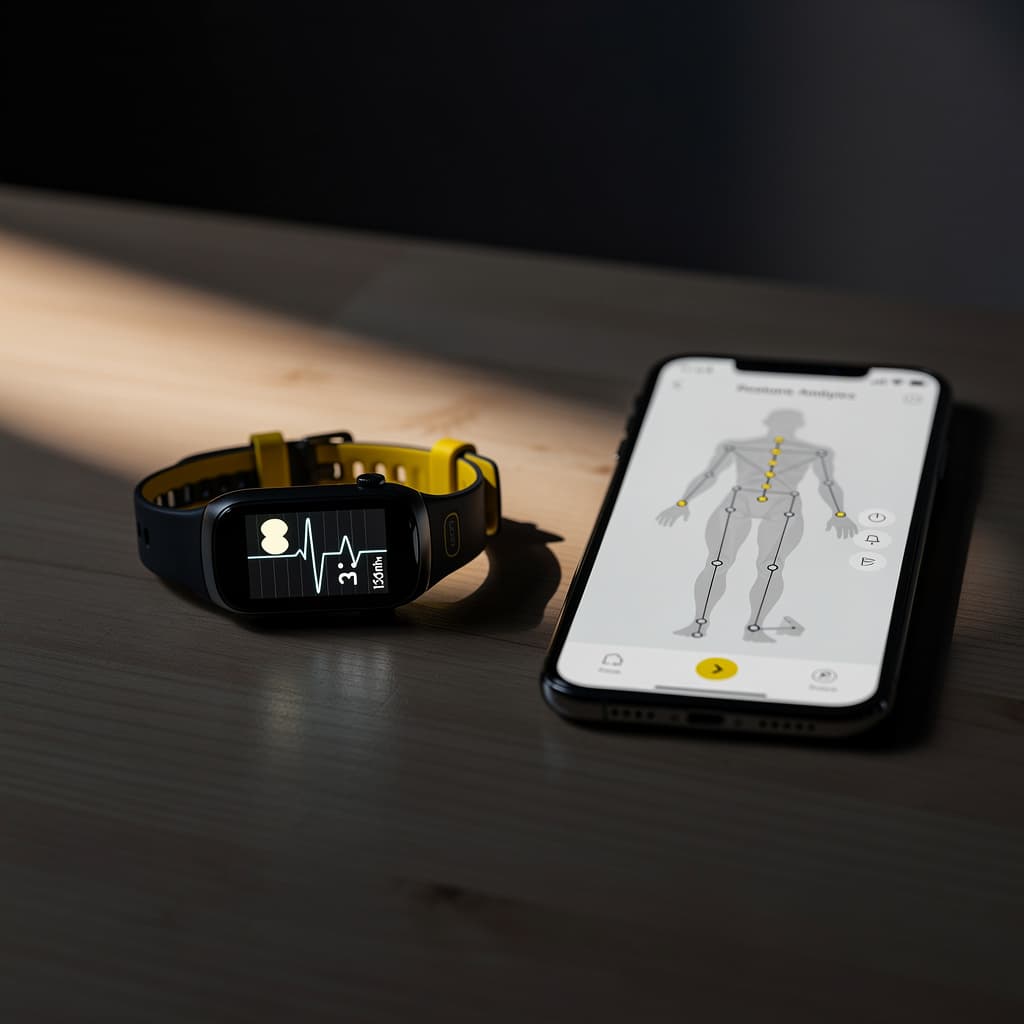
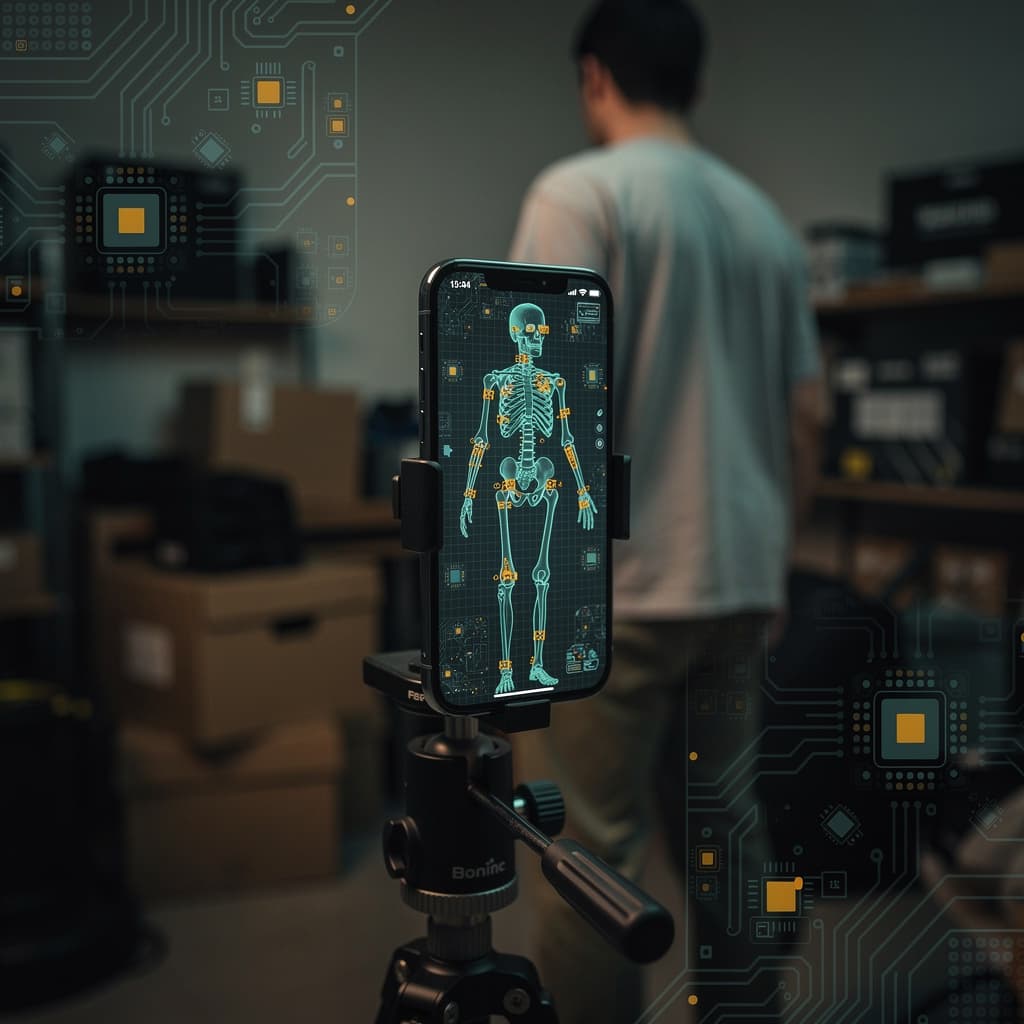
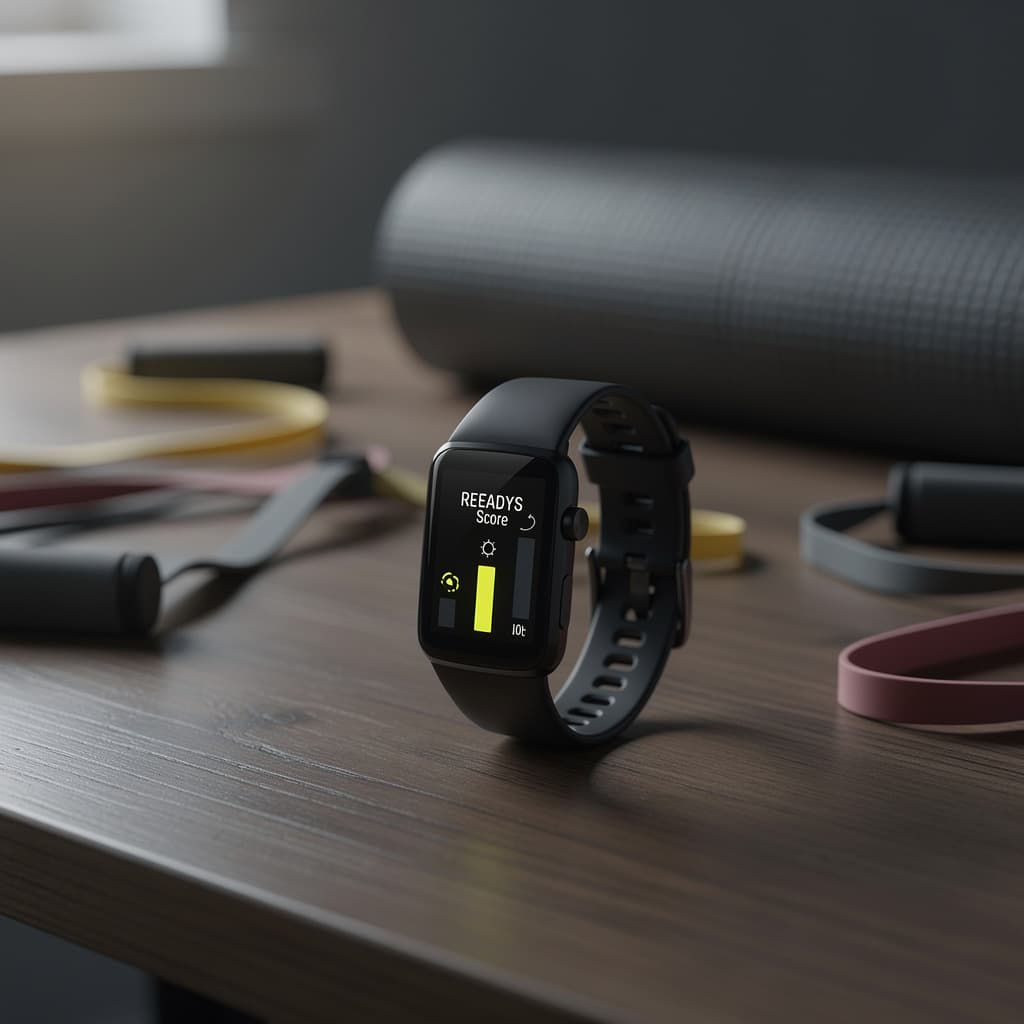
Under the hood, beginner-friendly usually means two engineering choices. First, the device hides complexity behind a simplified interface. A sleep tracker might show a single 'readiness' score instead of the raw heart-rate variability, movement, and temperature data that generated it. Second, the algorithms are tuned to be forgiving. A form-coaching camera app, for example, might only flag the most egregious squat errors and stay silent on minor knee wobbles. That keeps you from feeling nagged, but it also means you're not learning the subtle corrections that prevent injury later. The machine is making a trade-off, and you don't get to see the terms.
Machine learning often powers the personalization that makes a device feel friendly. It learns your baseline step count, your typical bedtime, your average cycling speed, and then sets goals just above that baseline. The model is essentially a pattern matcher. As one MIT Sloan article notes, people should assume right now that these models only perform to about 95% of human accuracy. For a movie recommendation, that's fine. For a device that's supposed to guide a beginner through a new physical skill, the 5% gap can mean the difference between a helpful nudge and a confusing alert.
Why it matters for movement / health
When a tool is truly beginner-friendly, it lowers the barrier to entry for people who might otherwise never start. That's not trivial. A walking app that doesn't demand a login before you take your first stroll, a yoga mat that comes with a QR code to a five-minute session, a resistance band set with color-coded tensions clearly explained—these small design decisions can turn a vague intention into a first action. The best beginner-friendly tech doesn't just simplify; it educates. It explains why the band is red and what that means for your shoulders, not just that you should pull it.
But the label also carries a subtle risk: it can make you trust the device more than you trust your own body. A beginner runner who feels a twinge in her knee might ignore it because her app says her form is 'good.' A smart ring that guesses sleep stages with only 60% agreement against a clinical sleep study can still present a single number as if it were a diagnosis. The ring measures temperature, motion, and a pulse waveform; software guesses the rest. If your number disagrees with how you actually feel, trust the body.
Open caveats
Privacy is the caveat that beginner-friendly tech rarely volunteers. A meditation app that asks for microphone access to 'detect your breathing' is also capturing ambient sound. A fitness tracker that wants your location for run mapping might be selling aggregated movement data to advertisers. The friendly onboarding flow often bundles permissions into a single tap, and the privacy policy is a link at the bottom of the screen. Before you agree, check whether the app lets you export your data or delete it without emailing customer support. A device that locks you in isn't friendly; it's a subscription trap with a smile.
Another quiet failure point is the cliff. Beginner-friendly devices are designed for the first three months. After that, you either outgrow them or they become background noise. A step counter that celebrates 10,000 steps every day stops being motivating around week six. A strength-training app that only offers bodyweight workouts leaves you stranded when you're ready for a dumbbell. The friendliest tech would tell you when it's time to move on, but that's not a profitable feature to build. Look for products that offer a clear upgrade path or at least let you export your history so you can take it to a more advanced tool.
Finally, the term 'beginner-friendly' can mask a lack of evidence. A posture corrector that vibrates when you slouch might feel helpful, but if it hasn't been tested against a control group, you're just paying for a haptic nudge. The same goes for AI-driven coaching that tracks twenty joints and flags drift. The accuracy is now good enough to catch obvious form errors during a squat. It is still not good enough to replace a thoughtful coach, and it never will be for the parts of training that depend on context. Use it as a mirror that does not get bored, not as a teacher that understands your goals.
References
- How to Spot Fake Reviews on Amazon: Tools and Advice — WIRED
- Machine learning, explained — MIT Sloan