


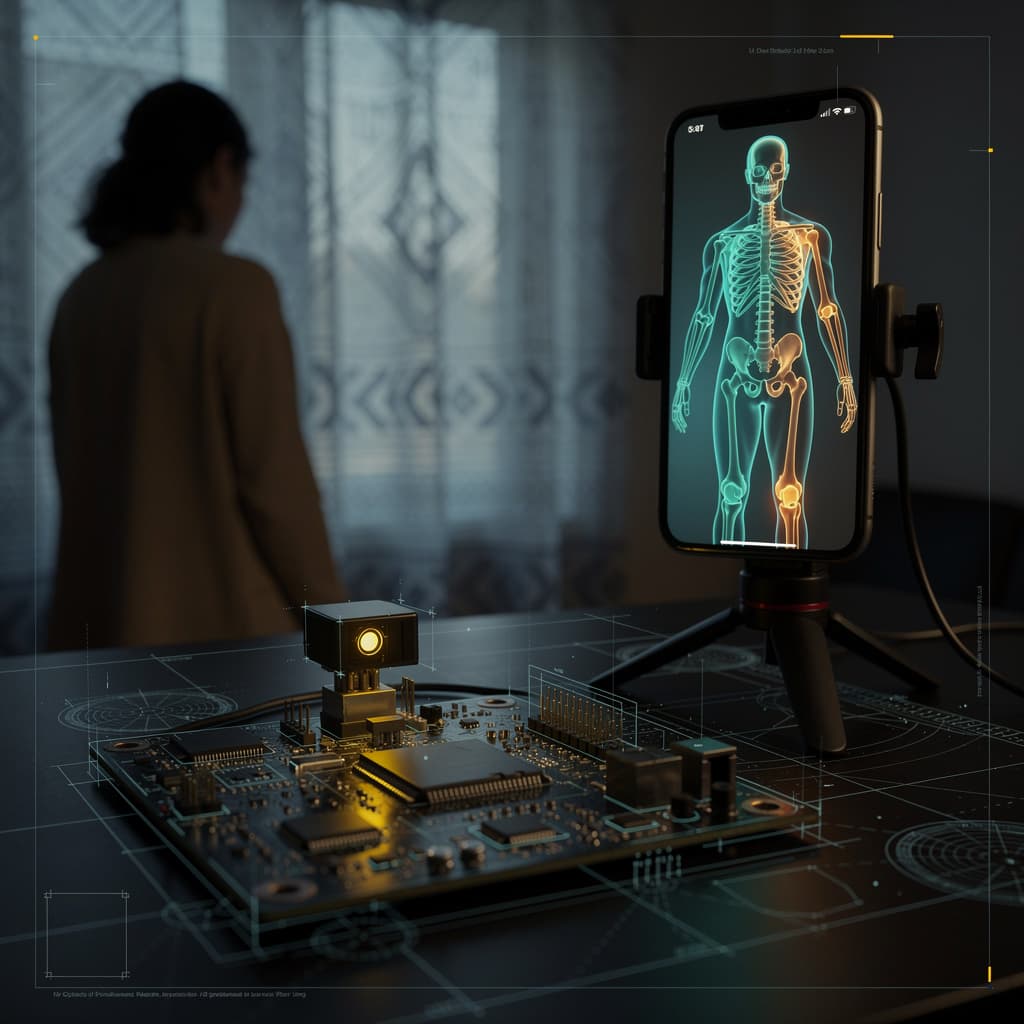
A pose detection model running on a phone is three pieces in a trench coat. A camera frame becomes a tensor. The tensor goes through a small neural network that outputs probability heatmaps for around twenty body keypoints. A second pass turns those heatmaps into coordinates the app can use to draw skeletons. Each piece has its own failure mode. Bad lighting destroys the camera frame; loose clothing confuses the model; a crowded background breaks the tracking.
The system
Pose detection on a mobile device takes a live video feed and locates anatomical landmarks—shoulders, elbows, wrists, hips, knees, ankles—in every frame. It does not understand what a person is doing; it only estimates where these points are in two-dimensional pixel space. The output is typically a set of (x, y) coordinates with confidence scores, refreshed thirty times a second. That stream of coordinates is what powers fitness apps that count reps, augmented-reality filters that attach virtual objects to a wrist, or physiotherapy tools that check knee alignment during a squat. The system is a pipeline: image acquisition, model inference, and coordinate decoding, each with its own constraints.
Each layer
The sensor layer is the phone camera. It delivers RGB frames at a resolution the model expects, which is often lower than the camera’s native resolution. Downscaling happens in the capture pipeline to keep latency low. If the frame arrives too dark or motion-blurred, no amount of clever modeling can recover the missing signal. The model layer is a convolutional neural network, often with a lightweight backbone like MobileNet, as seen in the MovePose architecture designed for mobile and edge devices. The backbone extracts feature maps at multiple scales, and a series of upsampling and prediction heads produce heatmaps—one per keypoint—where each pixel value encodes the probability that a particular joint center lands there. Some architectures add a separate branch for occluded keypoints, training the network to explicitly represent when a joint is hidden, which improves robustness in crowded scenes. The app layer takes the argmax of each heatmap to get a coordinate, then optionally applies a temporal filter to smooth jitter. That coordinate is then used to overlay a skeleton or trigger a counter.
Edge cases
The interesting behavior shows up when the model is pushed outside its training distribution. In a crowded scene, multiple people generate overlapping heatmaps; the argmax operation picks one peak per keypoint, which can lead to a skeleton that mixes body parts from different individuals. A network with an occlusion branch can flag these cases, but the app still has to decide what to do with that information. High-speed motion introduces a different problem: the event-camera literature shows that keypoint detection and tracking can be decoupled, with detection providing initial positions and tracking carrying them forward. On a standard phone camera, motion blur smears the keypoint, and the heatmap peak flattens out, lowering confidence. Clothing texture matters too: a solid dark sleeve against a dark background can make an elbow invisible, while high-contrast stripes give the model more to grab onto.
What breaks
Lighting breaks the sensor. Low light raises the noise floor, and the model sees a grainy frame where edges are less distinct. The heatmaps become broader and less confident, and the argmax might jump to a background feature. Loose clothing breaks the model. The network learned keypoints from annotated images where joints were visible or at least inferable from body shape; a billowing dress over the knees removes that shape cue, and the model guesses, often placing the knee too high or too low. A crowded background breaks the tracking. A patterned curtain behind a person can produce false heatmap peaks that the model momentarily prefers over the true joint, causing the skeleton to flicker. These failure modes are not bugs; they are the direct consequence of a pipeline that makes no claims about understanding, only about estimating from pixels. Knowing where a system fails is the first step to using it well, because the design choices—the backbone, the loss function, the occlusion branch—are all responses to these specific weaknesses.
References
- Keypoint-based Dynamic Object 6-DoF Pose Tracking via Event Camera — arxiv.org
- Learning Human Pose Estimation Features with Convolutional Networks — arxiv.org
- Human Pose Estimation for Real-World Crowded Scenarios — ar5iv.labs.arxiv.org
- MovePose: A High-performance Human Pose Estimation Algorithm on Mobile and Edge Devices — arxiv.org