

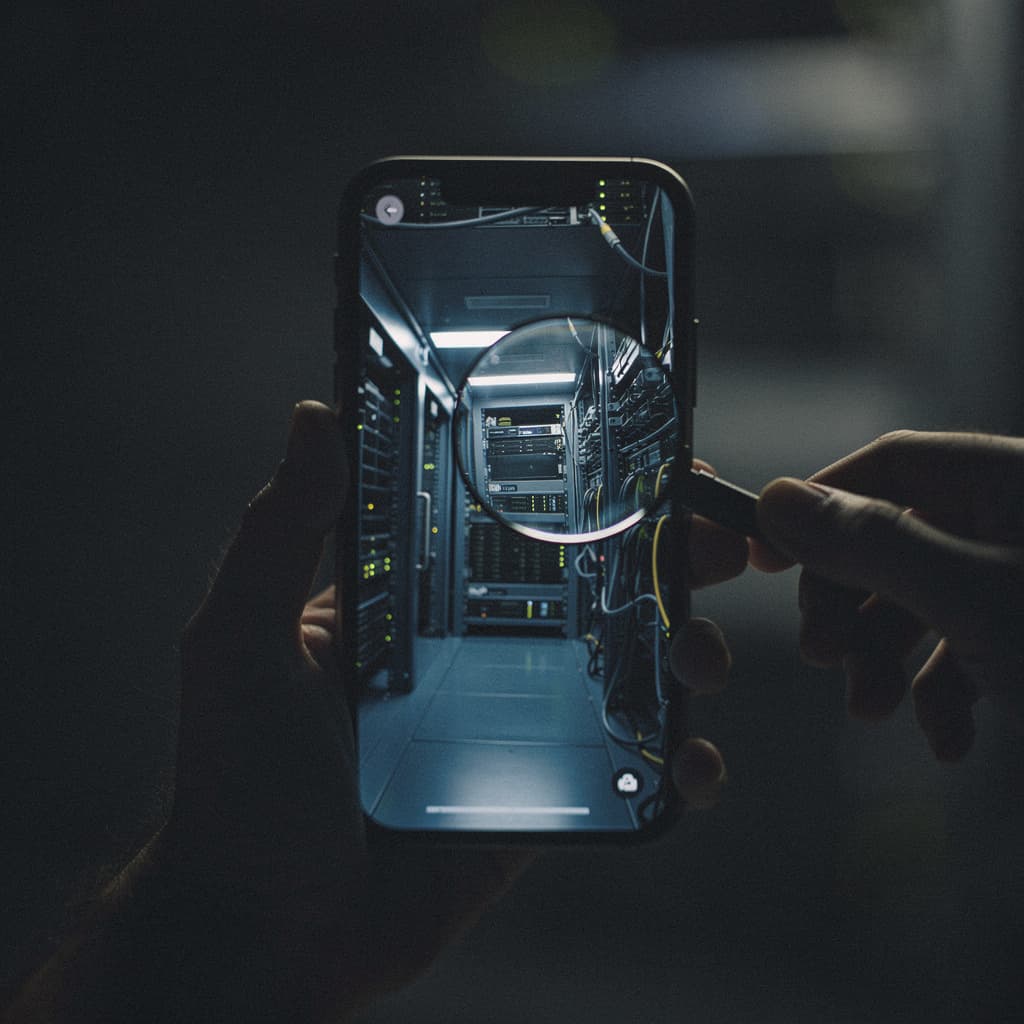
What does a voice assistant need with a server farm three states away? The question sounds too simple to be worth asking, but the answer is what separates a privacy promise from a privacy practice. On-device processing is the phrase that gets murmured in keynotes, a shorthand for trust. But the line between local and cloud is a negotiation, not a switch. Before you accept the framing, trace the data flow.
The pitch (what they say it does)
Apple describes its Private Cloud Compute as an extension of the iPhone’s secure enclave, a custom server stack that discards your request the moment it finishes. Google frames its hybrid AI as a tiered system: the easy stuff stays on the Pixel, the hard stuff reaches a data center that is, the company insists, armored with physical security, access controls, and encryption. Both narratives are clean. The device is the guardian; the cloud is a temporary, amnesiac helper. But a narrative is not an audit. The architecture that protects data in transit and at rest does not, by itself, answer the question of what is collected, how long it lives, and who can be compelled to produce it.
What they collect (often more)
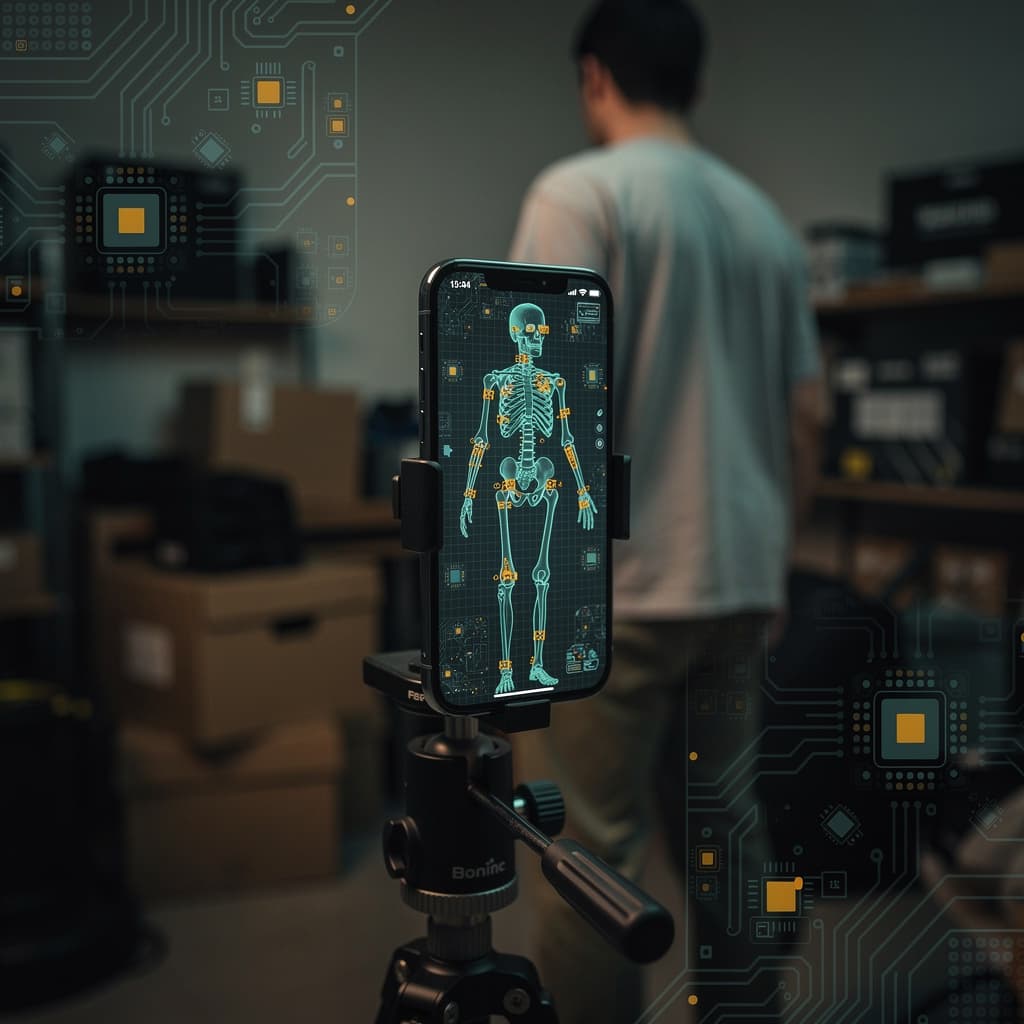
Start with the request itself. A transcription of your voice, a photo you want analyzed, a paragraph you ask the model to rephrase—these are not abstract tokens. They are evidence of location, relationship, health concern, financial stress. On an iPhone, Apple Intelligence runs an Orchestration step that decides whether a query stays local or goes to PCC. The company has not published the exact complexity threshold, and until it does, the user is guessing. On Android, Google’s hybrid AI similarly splits the load, but the cloud side lands in a data center where logging and retention policies are shaped by business needs as much as engineering ones. The privacy policy, somewhere around clause eleven, will mention service improvement, and that term is elastic enough to cover model training, even if the company says it strips identifiers.
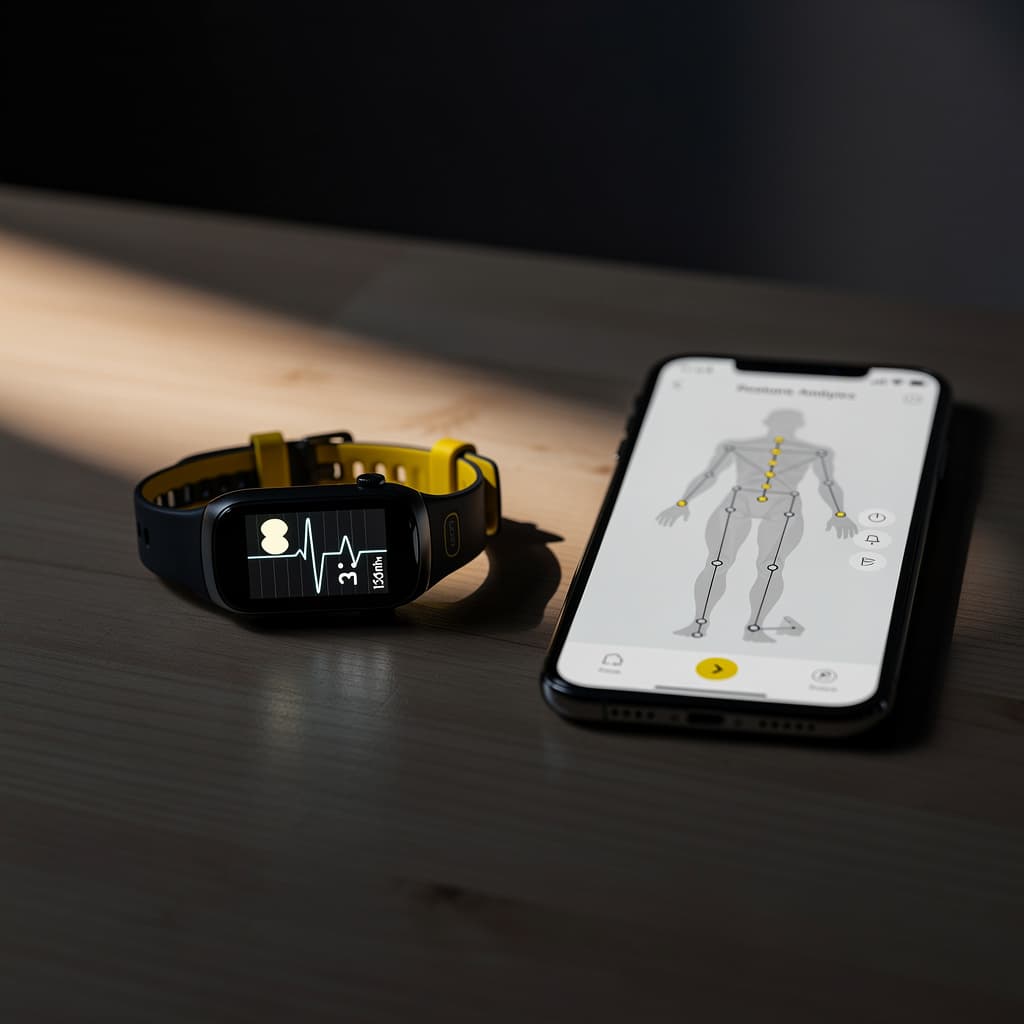
Then there is the metadata. The time of the request, the device identifier, the network path—each is a breadcrumb. Aggregated, they form a silhouette of your day. A step-counting app that never sees the cloud still builds a continuous trace; a cloud-bound AI assistant builds a transcript. Neither is neutral.
What they don’t tell you (usually about resale or model training)
The silence that matters most sits between the words “confidentiality” and “power.” Michael Veale, a lecturer in digital rights at University College London, draws the distinction sharply: “Privacy gets confused with keeping data confidential, but it’s also about limiting power.” A tech company that reframes privacy as mere secrecy can continue business as normal—collecting, aggregating, inferring—so long as the raw bytes are encrypted on the wire. The data may never be sold in the sense of a named file changing hands, but the models trained on it become a durable asset. Insurers, employers, and research brokers buy access to insights, not identities, and that market is legal in most jurisdictions.
Apple’s PCC is designed to be stateless, and independent researchers are supposed to be able to verify that. But verification depends on access to the production environment, and Apple controls that access. Google’s data centers are audited, but the audit scope is not public. Both companies have strong incentives to keep the processing quiet—not because they are malicious, but because the friction of a consent dialog costs engagement. The less you notice the cloud, the more you use the feature.
Your move (what to do about it)
Start by asking the data-flow question every time a new AI feature appears: where does this computation live? On an iPhone, you can check which requests hit the network by watching the privacy indicators. On Android, the permissions dashboard shows which apps have contacted servers. Neither is a perfect map, but they are the rough edges of the black box. If the feature offers a toggle for on-device-only processing—as some transcription and translation tools do—flip it before you speak.
Second, read the privacy policy for the word “improve.” When a company reserves the right to use your data for product improvement, assume that includes model training unless explicitly excluded. Opt out where the setting exists, typically buried in account preferences, not in the app itself.
Third, treat differential privacy claims with the skepticism they deserve. The technique, which Apple has used for keyboard suggestions and other features, relies on a privacy budget: a mathematical limit on how much information can leak from a dataset. But the budget is set by the company, not by you, and the trade-off between accuracy and anonymity is opaque. The Electronic Frontier Foundation has warned that the parameters of a given privacy budget are rarely disclosed in a way that lets users evaluate the guarantee. Until they are, the phrase is a signal, not a shield.
Finally, remember that on-device processing is not a sanctuary. A model running locally can still log, still cache, still phone home when the screen is off. The benefit is that the raw data does not leave the device in a form that a subpoena can easily reach. The cost is that you are the one managing the risk. Turn off analytics sharing, revoke unnecessary permissions, and treat every microphone icon as a witness. The cloud may judge you, but the device remembers.
References
- How Apple Intelligence’s Privacy Stacks Up Against Android’s ‘Hybrid AI’ — WIRED
- Apple Intelligence Promises Better AI Privacy. Here’s How It Actually Works — WIRED
- Here’s how Apple’s AI model tries to keep your data private — The Verge
- Apple's and Google's New AI Wizardry Promises Privacy—at a Cost — WIRED
- Facial Recognition, Differential Privacy, and Trade-Offs in Apple's Latest OS Releases — Electronic Frontier Foundation